Dice-Roller
Brian's Dice Roller
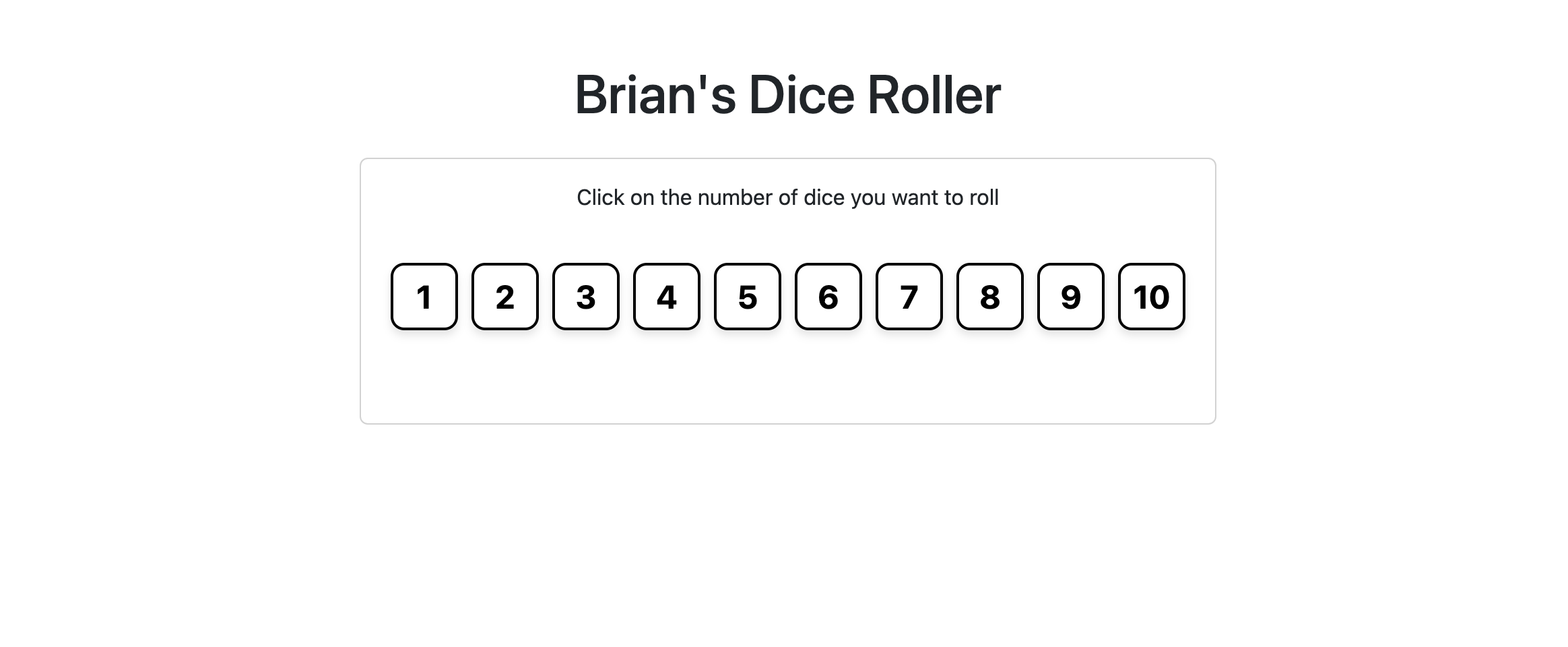
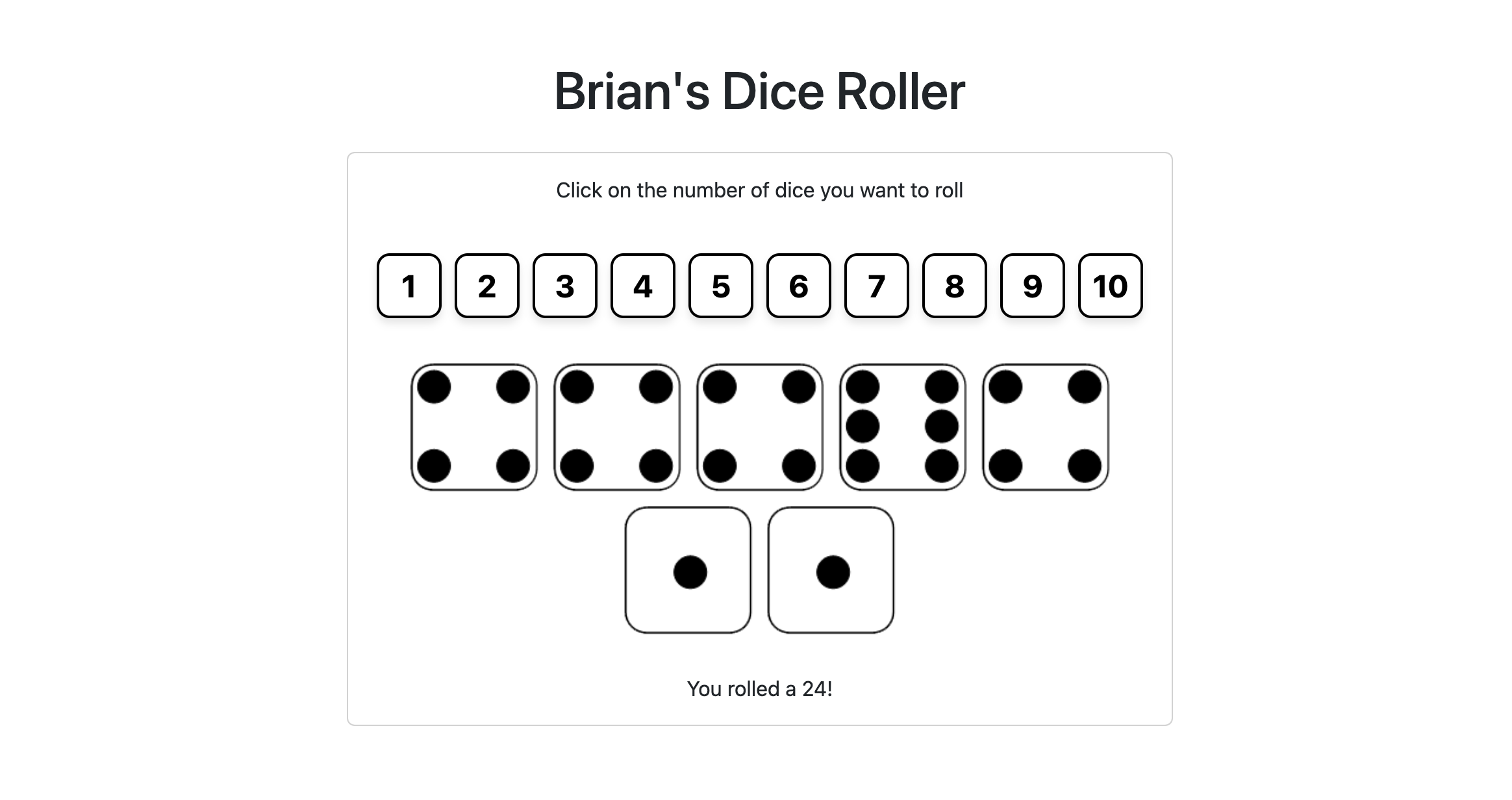
My dice roller is a simple yet stylish web app that allows users to roll dice by selecting the number of dice they want to roll using buttons designed to look like dice.
Table of Contents
Features
- Intuitive user interface
- Die-shaped buttons for selecting the number of dice to roll
- Animated dice rolling
- Displays the total of the rolled dice
Installation
To set up the Dice Roller App locally, follow these steps:
- Clone the repository:
git clone https://github.com/callmevojtko/dice-roller-app.git
- Change into the project directory:
cd dice-roller-app
- Create a virtual environment:
python3 -m venv venv
- Activate the virtual environment:
- On macOS and Linux:
source venv/bin/activate
- On Windows:
venv\Scripts\activate.bat
- Install Flask:
pip install flask
- Run the application:
python app.py
The application should now be running on http://127.0.0.1:5000/.
Usage
To use the Dice Roller App, simply click on the die-shaped buttons to select the number of dice you want to roll. The app will roll the selected number of dice and display the results along with the total of the rolled dice.
Contributing
Pull requests are welcome. For major changes, please open an issue first to discuss what you would like to change.
Please make sure to update tests as appropriate.